Mute Messages from Unknown Senders on Xiaomi Phones
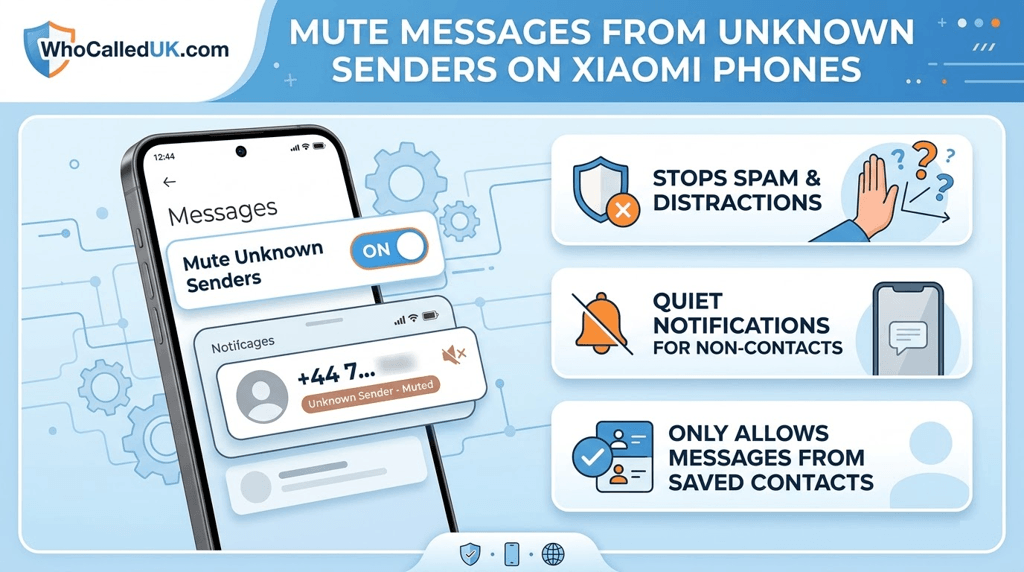
Messages from unknown numbers can be annoying or potentially harmful. Xiaomi phones running MIUI include built-in features that allow you to mute messages from unknown senders and reduce spam notifications in your inbox.
⚠️ Muting unknown messages does not block the sender entirely; it only suppresses notifications.
Step 1: Open Messages Settings
- Open the Messages app on your Xiaomi device.
- Tap the three-dot menu in the top-right corner.
- Select Settings.
Step 2: Mute Messages from Unknown Senders
- Find the Block & Mute Unknown SMS or Silence Unknown Senders option.
- Toggle it ON to activate.
- Once enabled, notifications for messages from unknown numbers will be silenced.
Step 3: Block Specific Numbers
- Open the conversation with the unwanted sender.
- Tap the three-dot menu and select Block number.
- Confirm to prevent future messages from this number.
Step 4: Report Spam Messages
You can report spam messages to help improve Xiaomi’s spam detection system.
- Long-press the spam message.
- Select Report Spam if available.
- Optionally, delete the message afterward.
💡 Keeping your Xiaomi phone updated ensures spam protection and mute features work effectively.
Extra Tips to Reduce Spam Messages
- Do not reply to unknown numbers.
- Avoid clicking links from suspicious messages.
- Keep your phone number private in public areas.
- Regularly review blocked numbers and mute settings.
By muting messages from unknown senders, you can reduce spam notifications and maintain a cleaner, safer inbox on your Xiaomi device.