How to Block and Filter Spam Texts on Samsung Galaxy?
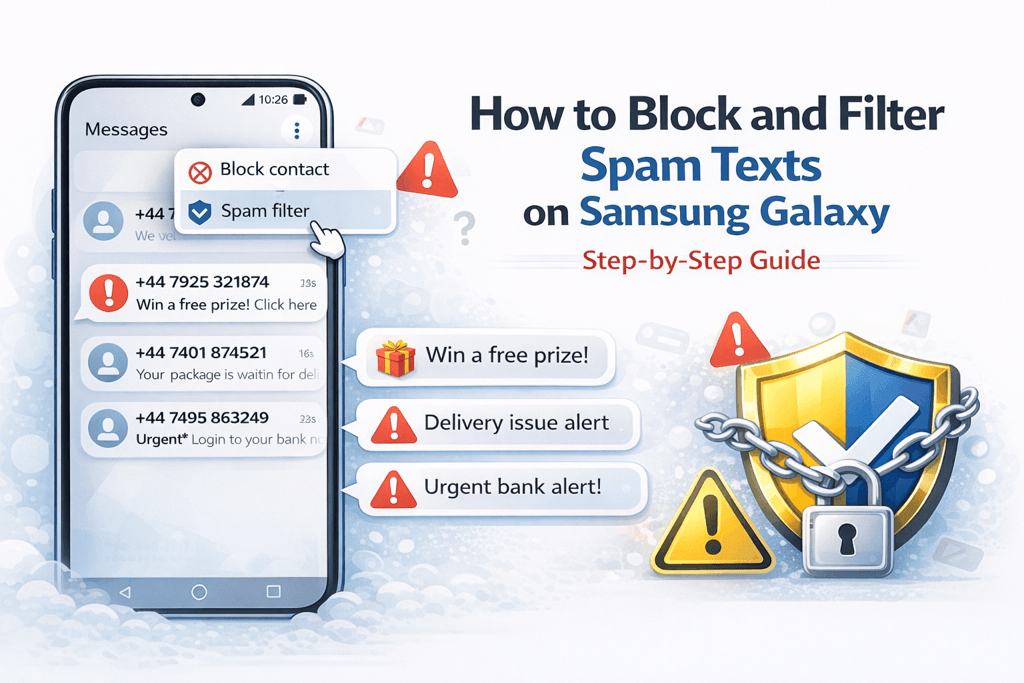
Spam text messages and phishing attempts are increasingly common on Android devices. If you use a Samsung phone, built-in tools can automatically detect and block suspicious SMS messages before they clutter your inbox.
⚠️ Spam messages often contain fake delivery links, prize notifications, or urgent security alerts. Avoid clicking unknown links.
Enable Built-In Spam Protection
Samsung Messages includes automatic spam filtering:
- Open the Messages app.
- Tap the three-dot menu in the top right.
- Select Settings.
- Tap Block numbers and spam.
- Enable Caller ID and spam protection.
This feature uses spam detection databases to flag suspicious text messages automatically.
Block a Specific Number
If a number repeatedly sends unwanted texts:
- Open the conversation.
- Tap the three-dot menu.
- Select Block number.
- Confirm the action.
Manually Add Numbers to the Block List
- Go to Messages Settings.
- Select Block numbers and spam.
- Tap Block numbers.
- Enter the number manually.
Use Google Messages for Advanced Filtering
Some Samsung devices allow switching to Google Messages for enhanced spam detection.
- Install or open Google Messages.
- Tap your profile icon.
- Go to Messages Settings.
- Select Spam Protection.
- Turn on Enable Spam Protection.
💡 Keep your Samsung phone updated to ensure the latest spam filtering improvements and security patches.
How to Report Spam Texts
- Long-press the spam message.
- Select Report Spam if available.
- Delete the conversation afterward.
Reporting spam helps improve detection systems for other users.
Extra Tips to Reduce SMS Spam
- Avoid sharing your phone number publicly.
- Do not reply to suspicious messages.
- Never provide banking details via SMS.
- Disable auto-download for MMS messages if enabled.
By enabling spam protection and blocking suspicious numbers, you can significantly reduce unwanted text messages on your Samsung device.