How to Block Messages from Unknown Numbers on Samsung Galaxy
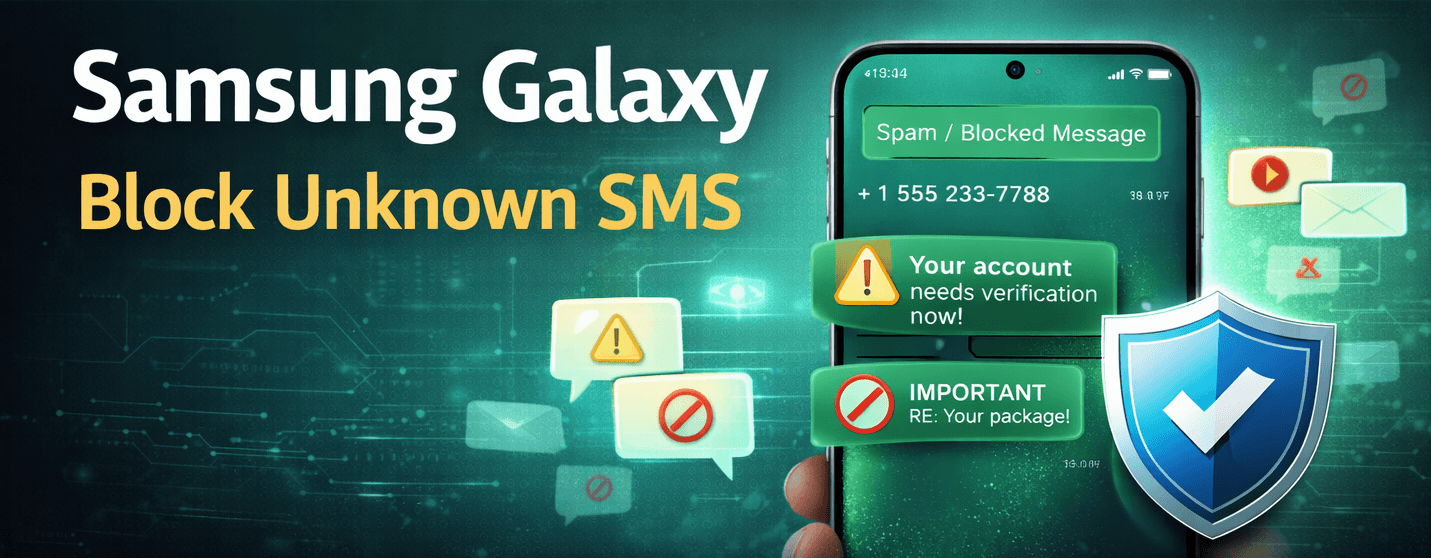
Receiving messages from unknown numbers can be annoying or potentially risky. Samsung Galaxy phones provide built-in features to block these messages and reduce spam in your inbox.
⚠️ Blocking unknown messages prevents them from appearing in your main inbox. Messages from blocked numbers are not deleted automatically.
Step 1: Open Messages Settings
- Open the Messages app on your Samsung Galaxy.
- Tap the three-dot menu in the top-right corner.
- Select Settings.
Step 2: Enable Block Unknown Senders
- Tap Block numbers and spam.
- Toggle on Block unknown callers & messages.
- Confirm any prompts to activate the setting.
Step 3: Block Specific Numbers
- Open the conversation with the unwanted sender.
- Tap the three-dot menu and select Block number.
- Confirm to prevent future messages from this sender.
Step 4: Use Spam Protection for Extra Safety
Enable Samsung’s Caller ID & Spam Protection to flag suspicious messages automatically.
- Go to Messages Settings → Block numbers and spam.
- Toggle on Caller ID and spam protection.
💡 Keep your Samsung Galaxy updated to ensure spam protection features work effectively.
Extra Tips to Reduce SMS Spam
- Do not reply to unknown numbers.
- Never click on suspicious links in messages.
- Regularly review blocked numbers.
- Report spam messages when possible.
Blocking unknown SMS on your Samsung Galaxy helps keep your inbox secure, reduces spam, and protects your personal information.