How to Report a Scam
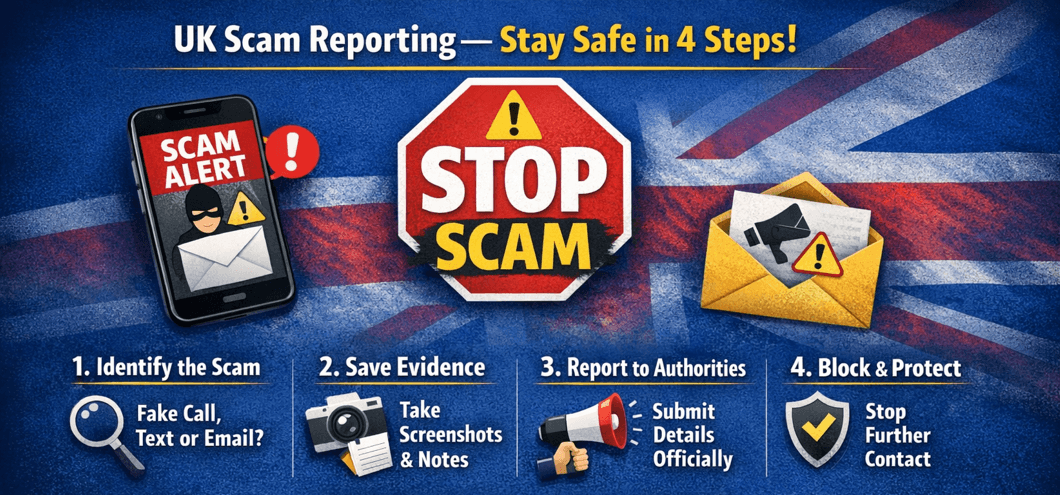
Scam calls, emails, and online fraud are a growing problem across the UK. Reporting these scams helps protect yourself and others while allowing authorities to take action against criminals.
⚠️ Never respond to suspicious calls or emails with personal information. Reporting scams safely is crucial.
Step 1: Identify the Scam
Scams can appear as phone calls, texts, emails, or social media messages. Common signs include:
- Requests for personal or financial information.
- Threats of legal action or fines.
- Unsolicited offers that seem too good to be true.
- Pressuring you to act immediately.
Step 2: Collect Evidence
- Save suspicious emails or text messages.
- Note the caller ID, time, and content of scam calls.
- Take screenshots of online scams or fraudulent websites.
Step 3: Report to Official Channels
- Phone and SMS scams: report to Action Fraud
- Email scams: forward suspicious emails to [email protected]
- Social media or online scams: report directly through the platform’s reporting tools.
- Persistent telemarketing or cold call scams: register with the Telephone Preference Service (TPS).
Step 4: Protect Yourself
- Use call-blocking and spam detection apps on your phone.
- Enable email filters to block suspicious senders.
- Do not share personal information online unnecessarily.
- Regularly update your devices and antivirus software.
Reporting scams not only protects you but also helps prevent others from becoming victims.
Stay vigilant and always verify suspicious contacts before responding.