Mobile Privacy & Call Blocking Guides
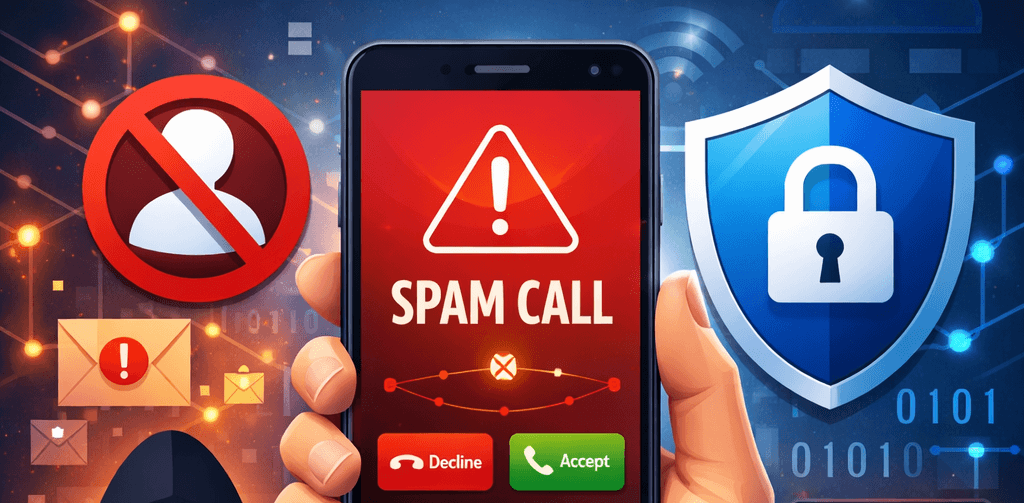
Protecting your mobile privacy has never been more important. Spam calls, scam attempts, and data misuse are increasing globally. This guide hub provides practical solutions to block unwanted calls, secure your personal information, and improve your phone’s privacy.
📱 Whether you use Android or iPhone, simple privacy settings and call-blocking tools
can dramatically reduce spam calls.
Call Blocking Guides
How to Block Unknown Numbers
- Enable “Silence Unknown Callers” on iPhone
- Use Android built-in spam protection
- Block numbers manually
How to Report Scam Calls
- Report to Action Fraud
- Forward spam texts to 7726
- Register with TPS
Understanding Caller ID Spoofing
- What is CLI spoofing?
- How scammers fake numbers
- How to stay protected
Mobile Privacy Essentials
- Regularly review app permissions.
- Disable unnecessary microphone or contact access.
- Turn on two-factor authentication.
- Avoid sharing phone numbers on public platforms.
- Update your operating system regularly.
Advanced Protection Tips
- Use reputable caller ID & spam filtering apps.
- Activate carrier-level spam detection.
- Be cautious of one-ring (Wangiri) scams.
- Never share OTP codes received via SMS.
🔒 Small privacy adjustments today can prevent serious fraud tomorrow.
Stay proactive and review your phone security settings regularly.